The Small Warehouse Dilemma
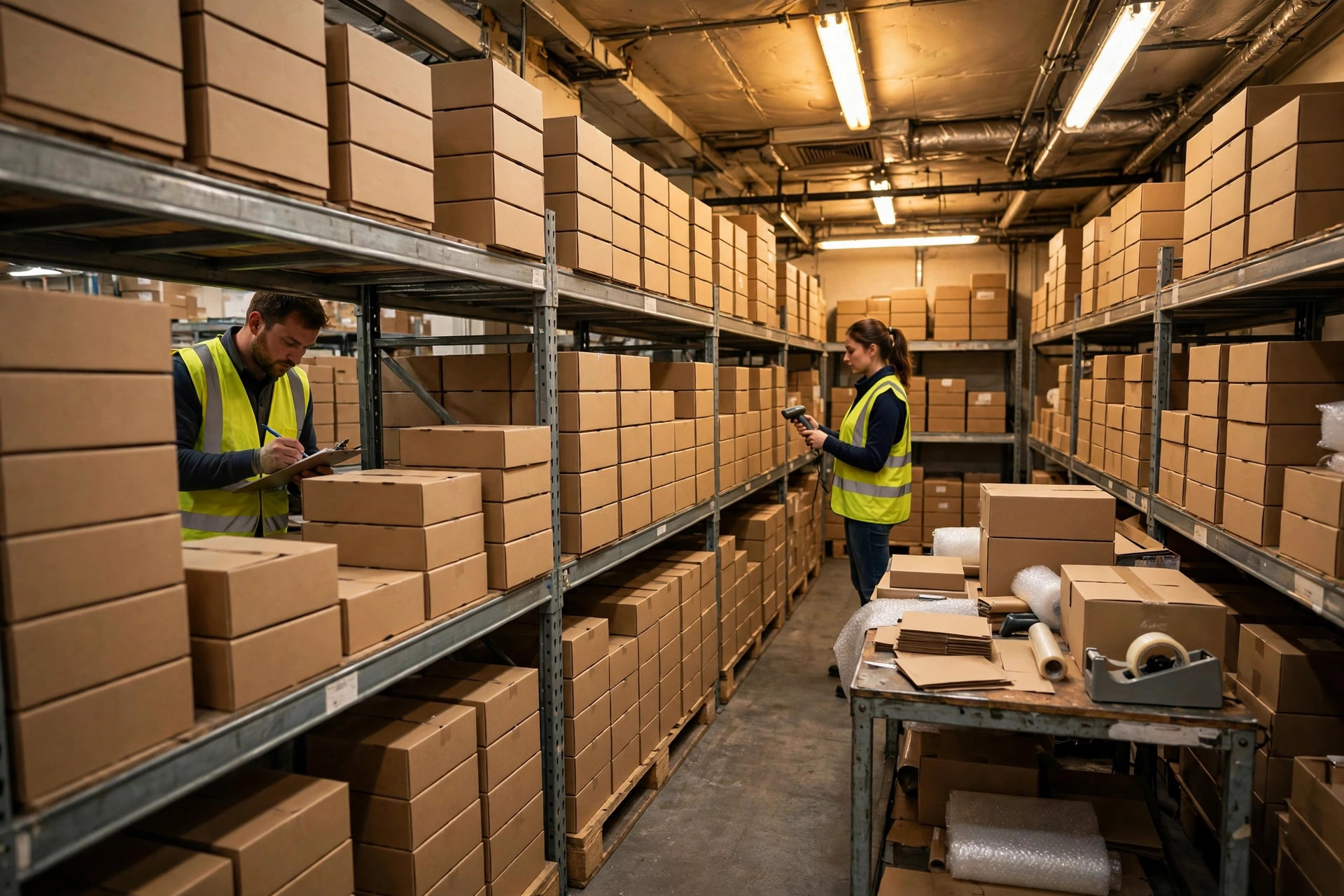
A 30,000 sq ft warehouse processing 300–800 orders a day asked me: "Does a warehouse our size even need a WMS? Our budget is $15K." My answer: yes — but don't play by big-warehouse rules.
The biggest mistake small warehouses make in WMS selection is borrowing enterprise criteria — a mile-long feature checklist on a fraction of the budget. Under $15K, the selection logic flips: ROI first, features second.
Do the Math First: Is a WMS Worth It for a Small Warehouse?
Small-warehouse pain points are concentrated: finding stock by memory, shipping by gut feel, overtime cycle counts, and lost inventory nobody can explain. Quantify it: in a 10-person warehouse, if pickers waste 1 hour per person per day hunting for stock, that's $30K–$40K a year in hidden labor cost at typical wage rates; mis-ships drive returns and lost customers worth another $20K–$30K. A lightweight WMS costing $5K–$8K in year one typically pays for itself within a year.
Three Paths Under $15K
| Path | Representative Option | Year-One Cost | Best For | |---|---|---|---| | Upgraded spreadsheets | Standardized templates + barcode scanner | $1K–$3K | <200 orders/day, <1,000 SKUs, just starting out | | Lightweight SaaS WMS | Monthly-subscription cloud WMS | $4K–$11K/yr | 200–2,000 orders/day, needs scan-based picking | | Open-source WMS | Self-hosted open-source system | $7K–$15K (incl. implementation) | Has part-time IT, unusual processes |
Path 1: Upgraded Spreadsheets — Don't Laugh; This Is 60% of Small Warehouses
Many small warehouses lack even basic location management. Number every slot, print barcode labels, pair a scanner with well-designed templates (receiving, shipping, and inventory ledger linked together), and "finding stock by memory" disappears. Cost: $1K–$3K, mostly a label printer and scanners. Downside: multi-user conflicts, no real-time data — it breaks past ~200 orders/day.
Path 2: Lightweight SaaS WMS — The Value King
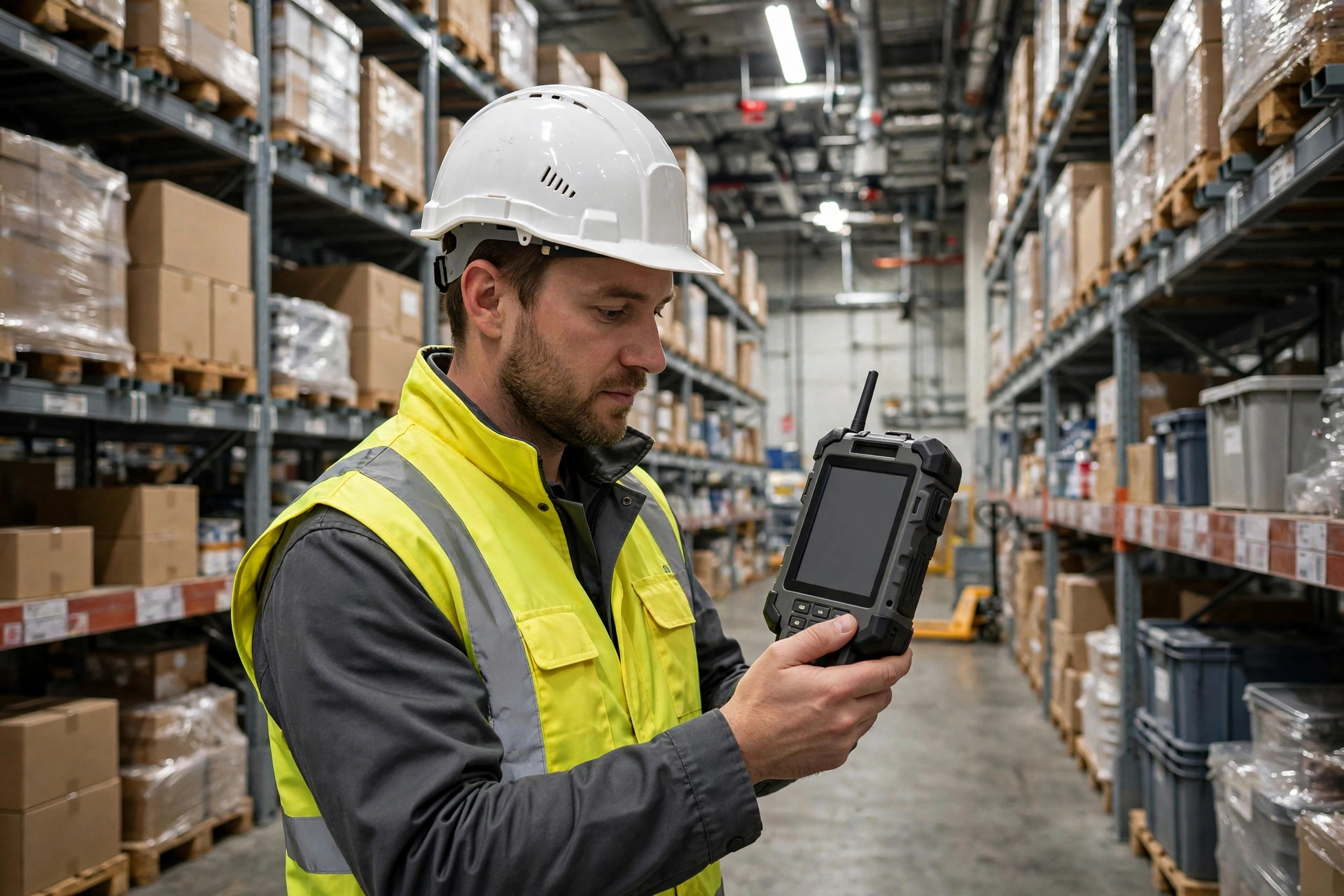
My top recommendation for small warehouses. A few hundred to a few thousand dollars a month, tiered by warehouse size, works on phones and rugged PDAs, 2–4 week implementation. All the essentials: location management, scan picking, waving, cycle counts, basic reporting. Evaluate three things: does it integrate with your sales channels (Amazon/Shopify/eBay)? Is the PDA workflow simple enough for a new hire to learn in a day? Can you export your data (so you're never hostage)?
Path 3: Open-Source WMS — Only With Technical Backup
If you have part-time IT or a technical co-founder, open-source is viable: the software is free; cost sits in implementation and customization. But never choose it without technical backup — open-source pitfalls (thin documentation, slow community response, upgrade breaks) need someone to absorb them.
Switching From Spreadsheets to SaaS: The Cutover Checklist

The moment you decide to move from spreadsheets to SaaS, the real test begins. Prepare against this checklist and your success rate doubles:
- Data cleansing (1–2 weeks): dedupe SKU masters, unify naming conventions; re-code locations (a four-level "zone-aisle-level-slot" scheme like A-03-2-15 works well). Dirty data in a new system is an old disease in a new hospital.
- Process freeze (1 week before cutover): run one full count and get accuracy above 95%; pause promotions and bulk receiving during cutover.
- Parallel run (2–4 weeks): run operations on the new system while keeping spreadsheet records as backup. Reconcile daily; investigate every variance the same day. Parallel running is exhausting — and the cheapest insurance available.
- SOPs on the wall: print each role's steps and post them: how to scan at receiving, how to confirm putaway, who to call on a picking exception. Training launches the system; SOPs keep it running.
The Low-Cost Digital Toolkit (Useful Even on Spreadsheets)
| Tool | Purpose | Cost Reference | |---|---|---| | Barcode label printer | Location and product labels | $300–$700 | | Wireless scanner / PDA | Receiving and picking scans | $100–$400/unit | | Cloud drive / shared sheets | Multi-user bookkeeping | Free to a few hundred $/yr | | Free WMS trial edition | Experience standard processes | Free during trial |
Run this toolkit smoothly first and your WMS requirements will crystallize — people who've used the tools know what to ask for when buying the system.
Case Study: A Cross-Border E-Commerce Warehouse's Upgrade Path
A small cross-border e-commerce warehouse in Shenzhen — 8,000 sq ft, ~500 orders/day — ran on spreadsheets plus memory, with a 3% mis-ship rate. Step one: $2K on the spreadsheet upgrade (location coding + barcodes); mis-ships fell to 1.5%. Six months later, volume hit 900 orders/day, and they switched to a lightweight SaaS WMS at ~$7K/year, live in 3 weeks. Mis-ships dropped below 0.3%, picking efficiency rose 40%. The owner's words: "Switching six months earlier would have paid for a car."
Pitfalls to Avoid
- Don't pay for "maybe someday": for a small warehouse, solving 80% of today's pain is enough. Features bought "for when we scale" go unused 90% of the time.
- Beware the "free trial" trap: some SaaS vendors triple prices after trial. Confirm real pricing and escalation clauses before signing.
- Don't cheap out on the wrong hardware: buy industrial-grade PDAs (used is fine); don't jury-rig phones — in a warehouse, two drops later the phone approach costs more.
Conclusion
The sub-$15K selection formula: under 200 orders/day → upgraded spreadsheets; 200–2,000 → lightweight SaaS; only with technical capability → open-source. The first principle for small warehouses: first make finding, shipping, and counting reliable — then talk digitalization. Smaller steps walk the road faster.