The Queue at the Gate Burns Your Money
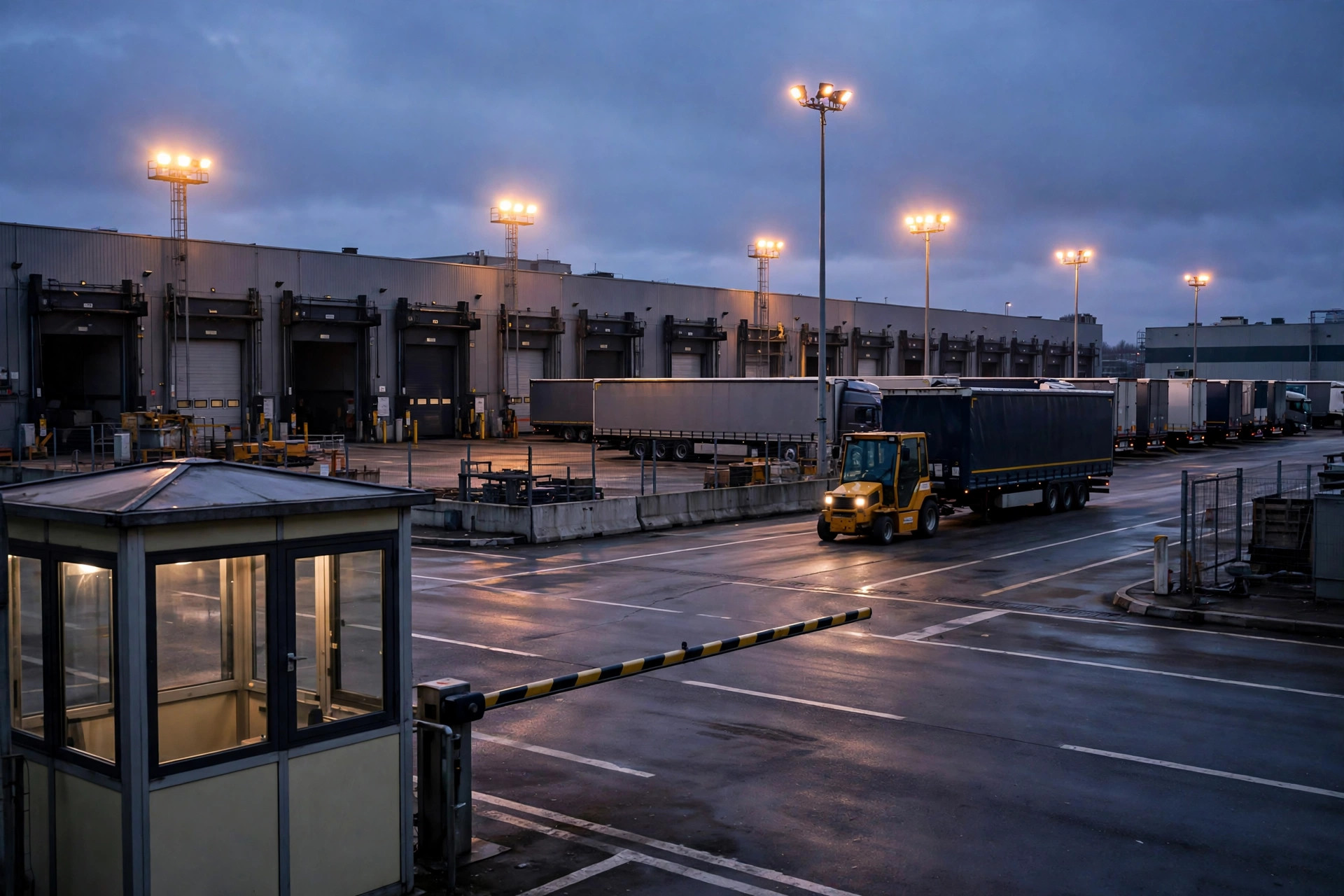
Do the math: a truck waiting 3 hours at $75/hour detention costs $225; 20 queued trucks a day burns $135,000 a month in waiting. The hidden costs run deeper: drivers arrive 5 hours early to "grab a dock," making congestion worse; the receiving plan collapses and overtime piles on.
Queues happen when a scarce resource (dock doors) is fought over without a plan. Dock appointment scheduling is a booking system for docks: each truck arrives in its slot, docks on time, leaves on time.
Four Elements of Appointment Rule Design
1. Slot Sizing: How Long Is One Slot
Slot length follows the work type: full-truckload unload typically 1–2 hours per slot, LTL/parcel 30–60 minutes. Shorter isn't better — too short and one late truck cascades into no-shows; too long and dock utilization sags. Size slots from historical unload data at P80 (the duration 80% of jobs finish within).
2. Dock Capability Modeling: Not All Doors Are Equal
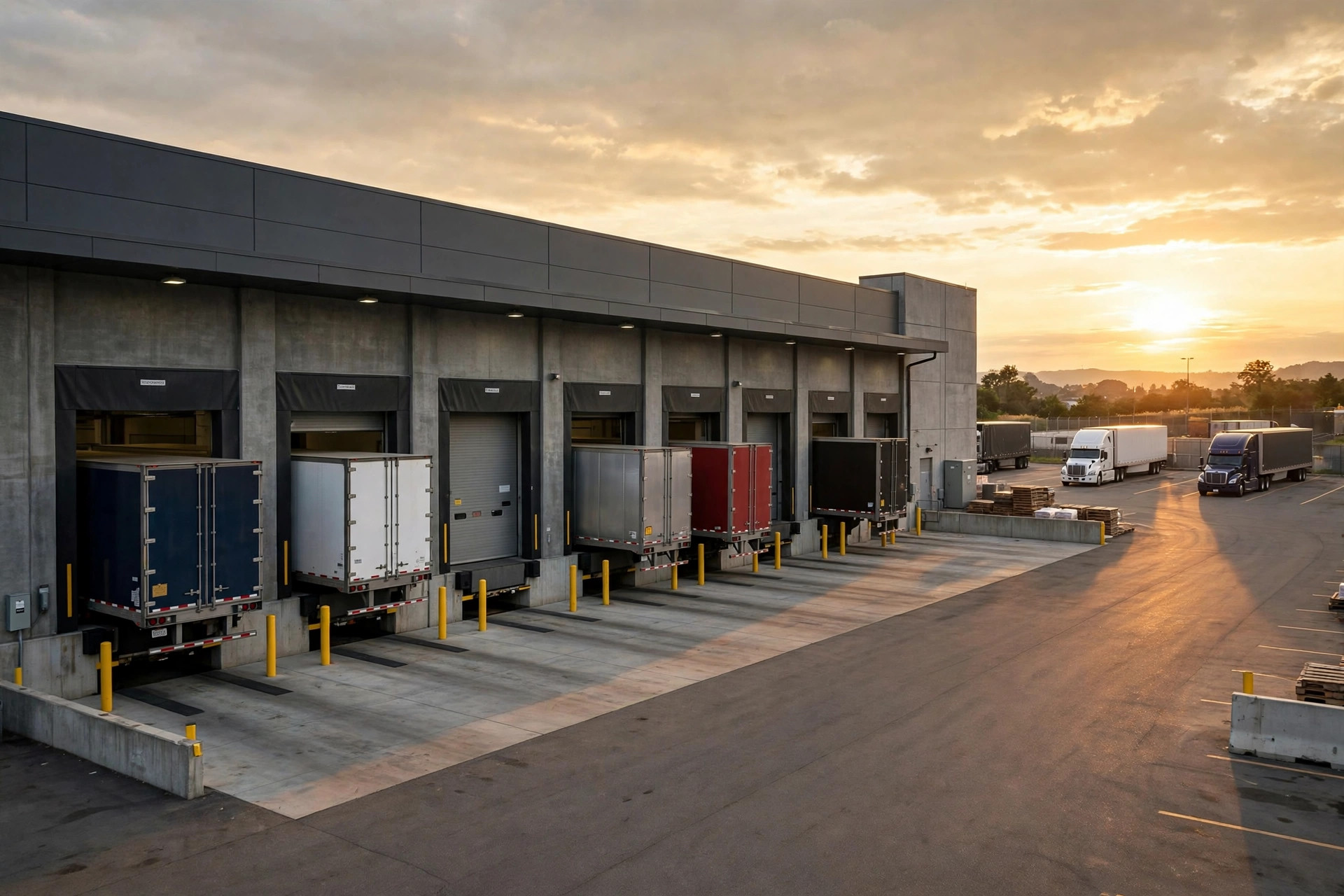
Some docks have levelers, some only take certain trailer types, some sit near the cooler. The appointment system should tag each dock (equipment, vehicle restrictions, commodity restrictions) and auto-match at booking. Scheduling "which dock" together with "what time" is what makes it real scheduling.
3. Booking Window: How Far Ahead to Release Slots
Typically 24–72 hours ahead. Too early and carriers can't plan accurately; too late and the warehouse can't staff. Recommendation: 48 hours for standard freight, with 10–15% of slots held as "flex slots" released same-day for urgents.
4. No-Shows and Late Arrivals: An Appointment Without Teeth Is Paper
Sample policy:
| Situation | Handling | |---|---| | Within 30 min early/late | Normal receiving, adjusted queue position | | 30–120 min late | Demoted to flex-slot standby | | 2+ hours late / no-show | One strike; 3 strikes in a month = 1-week booking suspension | | On-time for a full month | Priority booking (early lock on prime slots) |
Carrots matter as much as sticks: punish-only policies make carriers vote with their wheels.
Day-Of Execution: Three Things After Booking
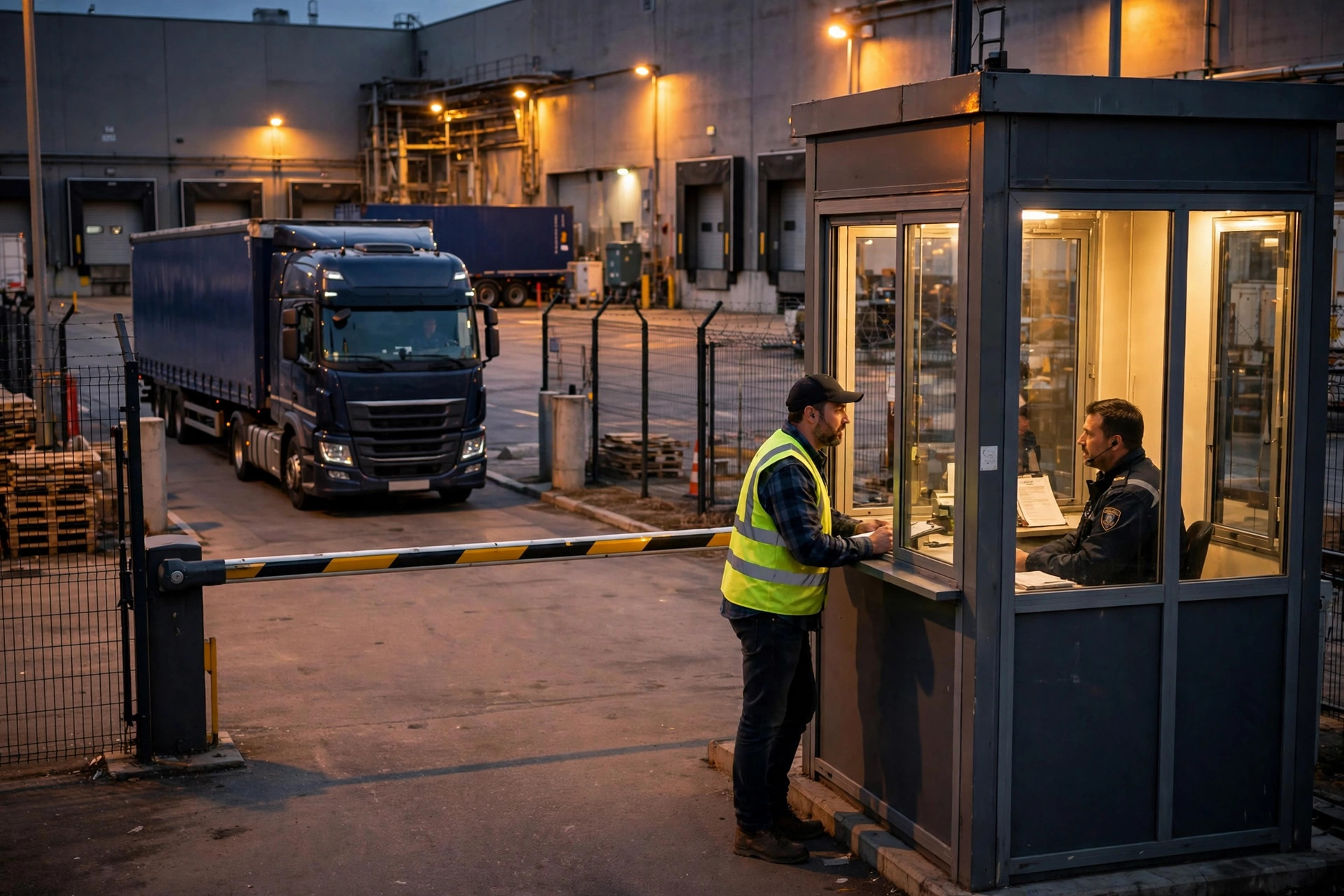
Booking is just the start. On the day, YMS scheduling must do three things: dynamic re-planning (a dock goes down — auto-move its appointments to a backup dock and notify drivers), priority inserts (a production-critical truck jumps the queue with approval), and a shared visual board (guard shack, dispatch, and warehouse all see one screen: which truck arrived, which dock is free, which job is overdue).
The Carrier Portal: What Makes Appointments Actually Work
The best appointment rules fail if carriers won't play along. The carrier portal is the most underrated YMS module: carriers log in, pick slots, and reschedule themselves — freeing dispatchers from phone-based scheduling.
A usable portal does four things: works on phones (drivers reschedule from the road), shows remaining slots in real time, makes no-show records visible to carriers themselves (public accountability beats private fines), and supports bulk booking (large carriers reserving a week of slots at once). After one DC launched its portal, dispatcher call volume fell 80% — dispatchers finally had time for actual dispatching instead of switchboard duty.
Monthly Review: The Gold Mine in Appointment Data
Once appointments are running, spend one hour a month on four numbers:
- No-show ranking: which carriers no-show most? Data decides who gets a warning and who gets cut.
- Slot utilization heatmap: which slots are perpetually slammed, which sit empty? Split the slammed ones; merge or discount the empty ones (priority access for high-punctuality carriers).
- Actual job duration vs. slot length: systematic overruns mean slots are sized short; widespread early finishes mean slots can compress.
- Wait-time trend: is average wait rising or falling? The single metric proving whether appointments truly work.
Appointment discipline isn't done at launch — it's a continuous-tuning flywheel. Review data monthly, tune rules quarterly, and dock efficiency climbs on its own.
Case Study: Appointment Discipline at a Retail DC
A California retail DC — 60 dock doors, 150 trucks a day — ran gridlock from 6–9 AM and dead afternoons, with drivers waiting 2.8 hours on average. The transformation took three steps: first, re-cut slots from 2 hours to 1 hour using historical data and tagged docks by equipment; second, launched a carrier portal with 48-hour booking plus a no-show scorecard; third, put the YMS board in the guard shack and dispatch office. Three months later: average wait down to 45 minutes, dock utilization up from 58% to 82%, detention fees down 70%. Carriers complained loudly at first — then started asking for more slots, because a truck that docks on time can squeeze in an extra turn per day.
Pitfalls to Avoid
- Don't mandate appointments overnight: run one month of dual-track ("appointment + walk-in") so carriers adapt, then go appointment-only.
- Hold buffer slots: keep 10% of slots unbooked daily for equipment failures and emergency inserts. A plan booked to 100% is no plan at all.
- Feed actuals back: flow every job's actual duration back into the system to keep tuning slot lengths. Appointment rules aren't set-and-forget — review quarterly.
Conclusion
Dock appointment management = slot sizing + dock modeling + booking windows + no-show governance + day-of dynamic scheduling. The goal isn't "controlling carriers" — it's aligning the time of docks, labor, and trucks. The day the gate queue disappears is the day yard scheduling truly works.