
If Your Food Warehouse Can't Do Lot Tracking, Don't Take Food Clients
Summer of 2019. I was standing in a cold-storage 3PL outside Los Angeles when an FDA recall notice came in. The customer's product was mixed across three lots, and it took the warehouse two full days to find the exact pallets. That one cost the customer roughly $400,000 and cost the warehouse the account. After 20 years in warehousing, I'll say this flat out: in a food warehouse, lot and expiration-date management isn't a nice-to-have. It's the line between staying in business and going under. Before you take on a food client, walk through every process in this article. If you can't do them, don't sign the contract.
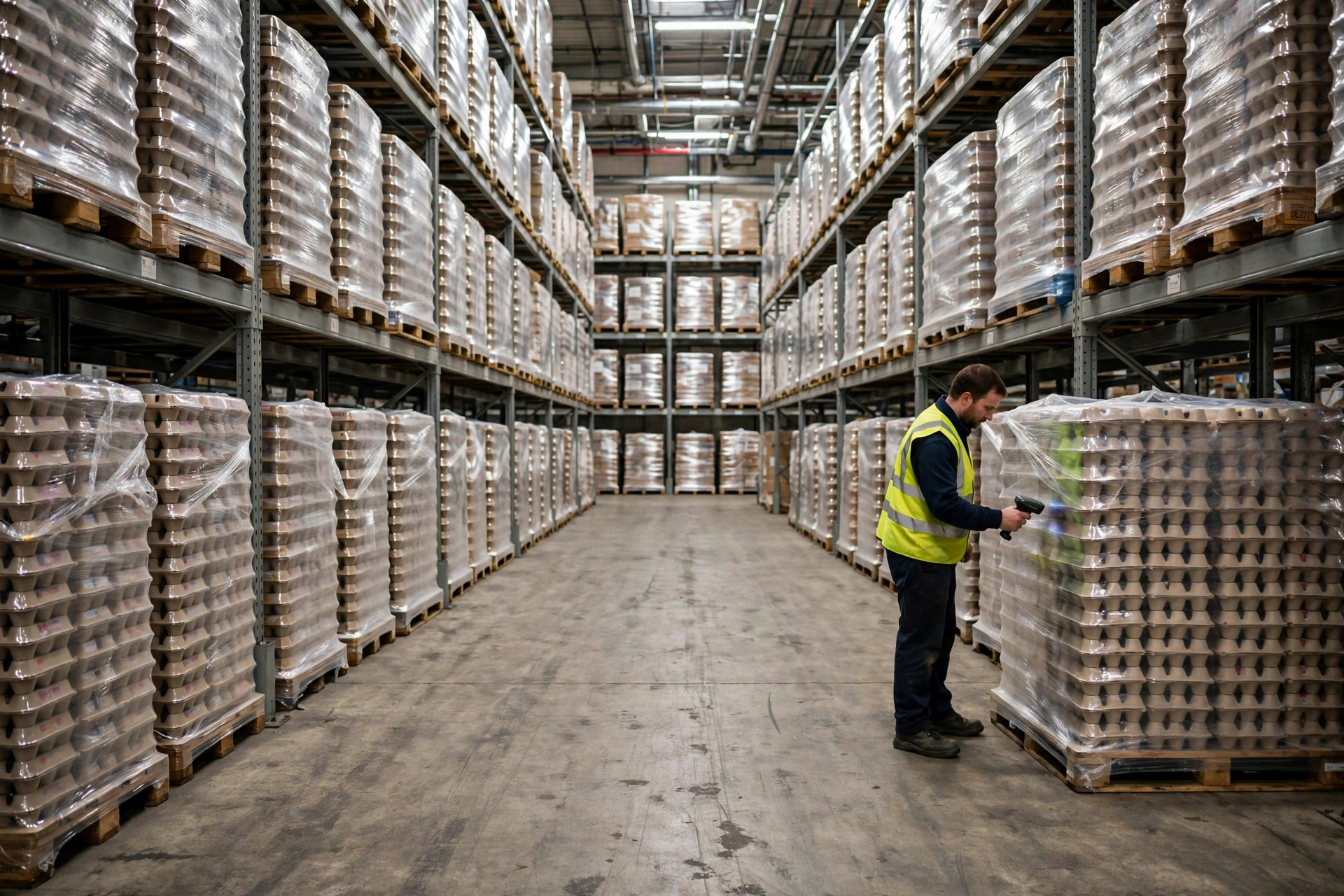
Receiving is where it starts, and it's where most warehouses blow it. A full pallet hits the dock, the driver's packing list says "exp 03/2027," and you just key that in? Don't. Mixed pallets from food suppliers are the norm: three production lots on one pallet is routine, and plenty of packing lists carry a single expiration date for the whole load. The right way: break the pallet down at receiving, scan or visually check every case, and record each case's lot number and expiration date at the SKU level, not the pallet level. Dates go in as full YYYY-MM-DD. When a supplier writes "03/2027" with no day, our SOP says default to the last day of that month so the system never flags product as expired early, and receivers don't get to improvise.
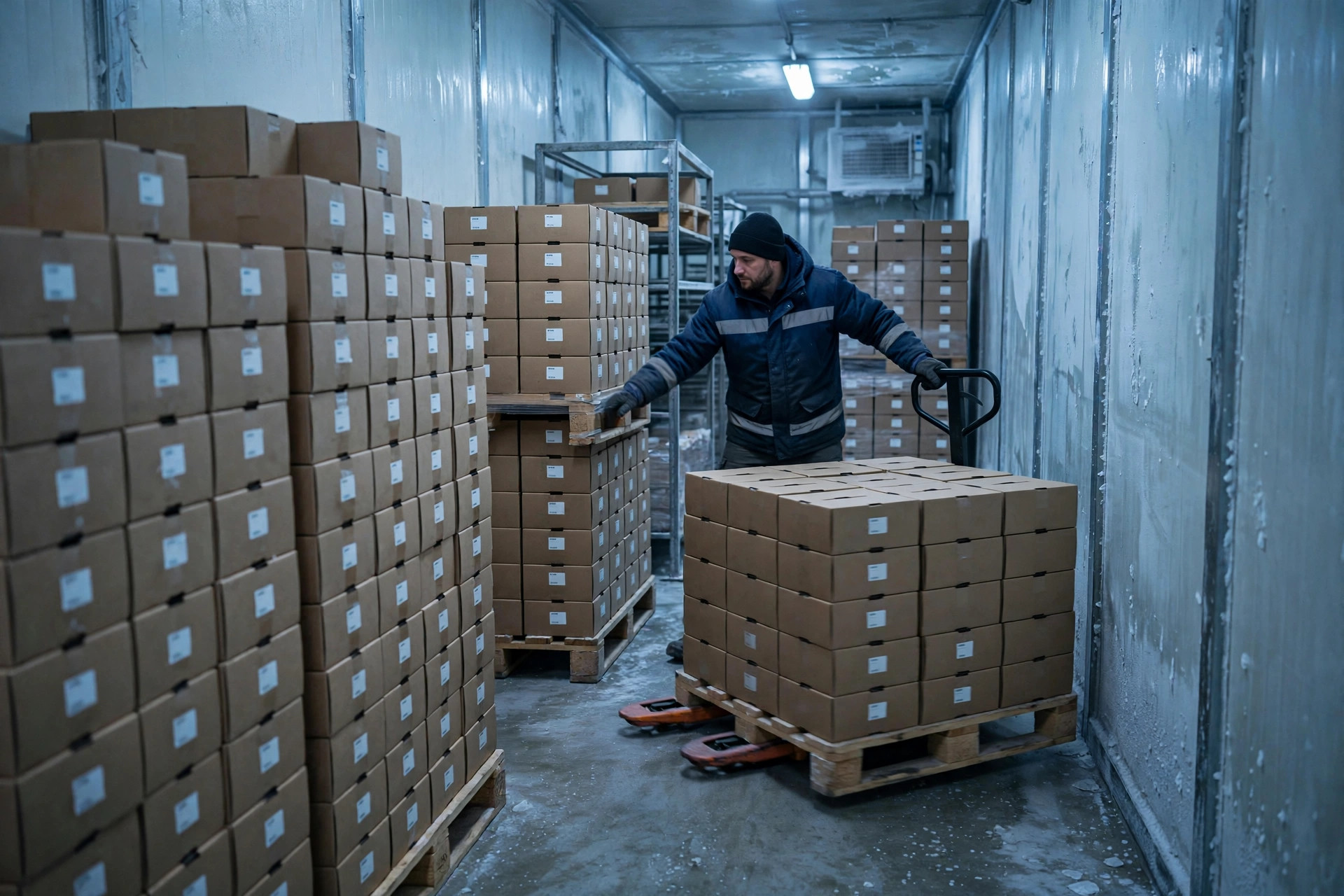
Some product arrives stamped with Julian dates, like "25073" for the 73rd day of 2025. If your receiver can't read a Julian date, every expiration date gets keyed wrong. My rule is non-negotiable: the receiving SOP includes a Julian date conversion chart taped to the dock wall, and the WMS expiration field only accepts YYYY-MM-DD. Scan-gun entry validates the format on the spot and rejects anything that doesn't match. Get one digit wrong on an expiration date and you'll be tearing apart a full pallet later. I've done the math on that: breaking down one pallet in a cold-storage facility, labor plus freezer energy, runs at least $200.
One Wrong Digit on the Expiration Date, and You're Breaking Down the Whole Pallet
Keying the data in is only the start. What matters is what the WMS does with it. Plenty of warehouses own a WMS with FEFO capability and have never configured it, so picking still goes to whoever's closest. Making FEFO real comes down to three settings, all of them required. First, the allocation strategy: in the outbound wave, set allocation to ascending expiration date so the system always picks the earliest-expiring available lot of a SKU, and rank that rule above proximity picking. Second, expiration thresholds: maintain a "sellable days" field per SKU, say 14 days for yogurt, 90 for frozen meat, and auto-lock any inventory below its threshold so it never gets allocated. Third, near-expiry freeze rules: inventory entering its last 30 days (7 days for fresh categories) moves to a frozen hold location automatically, and if a pick task scans a frozen lot, the scanner throws an error that only a supervisor can override. With those three configured, FEFO is actually running. Without them, it's a slogan on the wall.
There's another trap: lot splits. When picking breaks open a case, the WMS needs a lot-split transaction so the broken quantity inherits the original lot and expiration date. I've seen too many warehouses skip it to save time, and then the lots on the books don't match the lots on the floor. One hard rule: every time the physical product moves, the system moves with it. Lot identity follows the product, always.
The Expiry Dashboard: 90/60/30 Days, With a Name on Every Action
Finding out with 30 days left is finding out too late. Our expiry dashboard runs three tiers and pushes automatically every morning. 90-day tier, yellow: action is to notify the customer to run a promotion or transfer stock, owner is customer service. 60-day tier, orange: action is a weekly depletion meeting with the customer, owner is the operations supervisor. 30-day tier, red: action is freeze outbound, ship-only mode, and cycle-count daily, owner is the warehouse manager herself. Every tier's action and owner goes into the SOP and onto the office wall, not into someone's head.
The dashboard's math has to be consistent: use "days remaining = expiration date minus today," not "days since receiving." I once saw a warehouse run its alerts on 180 days since receipt, but the supplier shipped product with only 100 days of shelf life left. The alerts were decoration. And report at the lot level, never SKU totals. "500 cases of yogurt left" is useless. "Lot L250310, 500 cases, expiring in 32 days, at A-12-03" is something you can act on.
Recall Drills: If You Can't Find the Lot in 2 Hours, You're the Headline
The FDA expects you to locate every affected lot, its inventory positions, and its shipment history within 2 hours. Two hours, not two days. Most warehouses have never drilled this, so a real recall turns into a scramble. We drill quarterly with a fixed script: draw a random lot number, start the clock. In the WMS, pull that lot's current inventory, every location and quantity. Pull its outbound history, every customer, quantity, and ship date over the past 60 days. Pull in-transit and delivered status. Within 2 hours, produce one sheet: how much is in the building, how much is in transit, how much is delivered, and whose hands it's in. Then debrief. One overtime means a broken link in the process.
Why did that 2019 Los Angeles recall take two days? The debrief found three problems: receiving logged lots at the pallet level, so lot identity was lost the moment pallets were broken down; some outbound went out on paper tickets that never hit the WMS; and a third of the expiration fields were blank. All three were fundamentals. No fancy technology would have saved them. Lot management in a food warehouse isn't about how expensive your system is. It's about how disciplined your process is.
Cycle Counts That Don't Match: The Top 3 Causes
One more thing: cycle counts. When lots don't reconcile in a food warehouse, it's always one of three things. First, mixed pallets never got broken down at receiving, so the books show one lot and the floor shows three. Second, case breaks skipped the system transaction, so the broken quantities on the books don't match the loose cases on the floor. Third, expiration dates were keyed wrong, so the lot the system points to at location A-12-03 isn't the lot actually sitting there, and FEFO sends pickers to the wrong product. The fix is boring: add a lot-verification step at receiving with a second person spot-checking 10 percent; require a scan-gun transaction for every case break, no handwritten logs; and run a monthly lot-only count on one SKU, lots and dates only, no quantities, fifteen minutes tops.
Something you can use tomorrow: go into your WMS and pull three numbers. How many SKUs have blank expiration fields. Where FEFO ranks in your allocation priority. Whether you have expiration threshold alerts at all. Those three numbers tell you whether your lot management is real or paper. If more than 5 percent of your expiration fields are blank, don't take on a new food client. Clean up the old mess first.