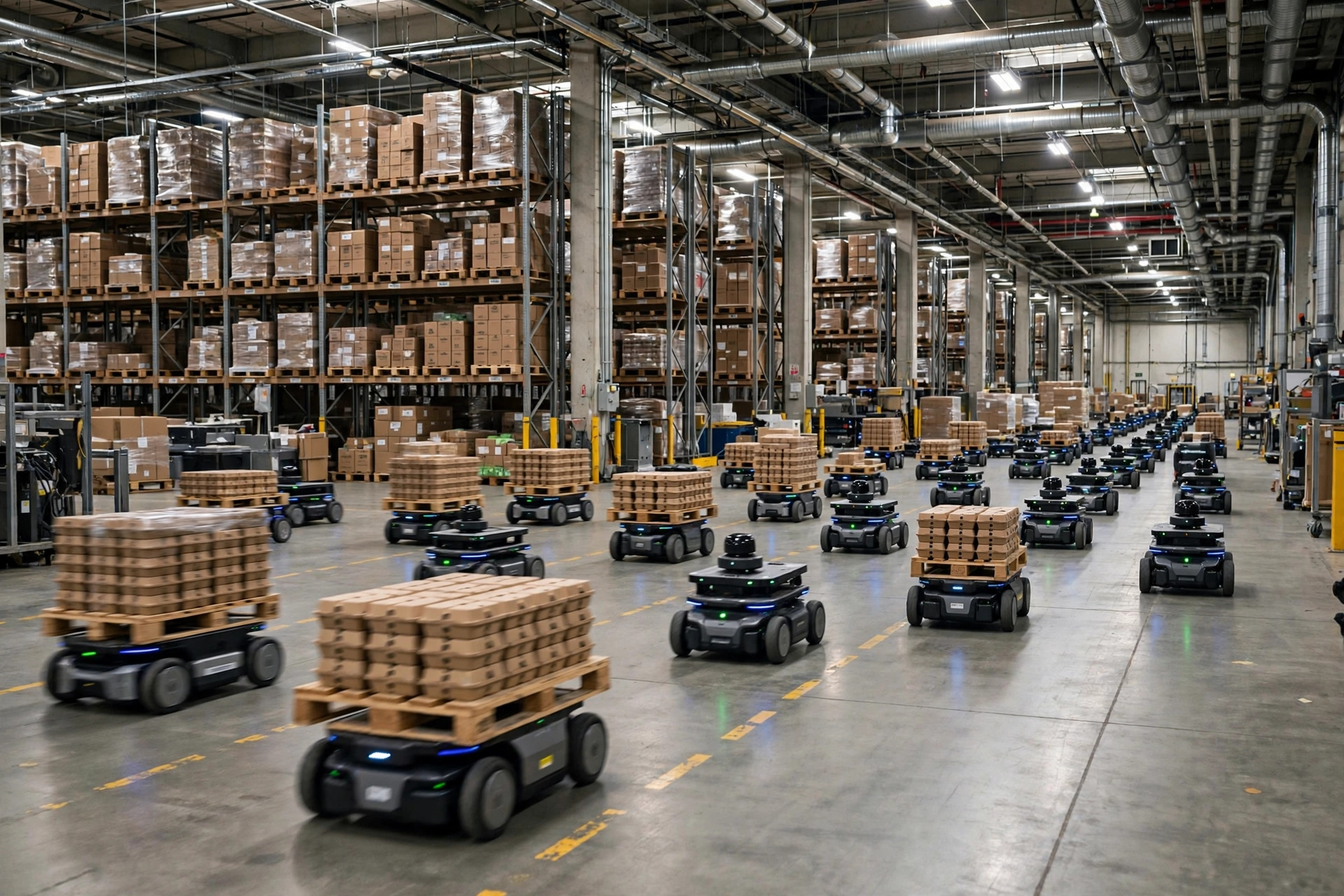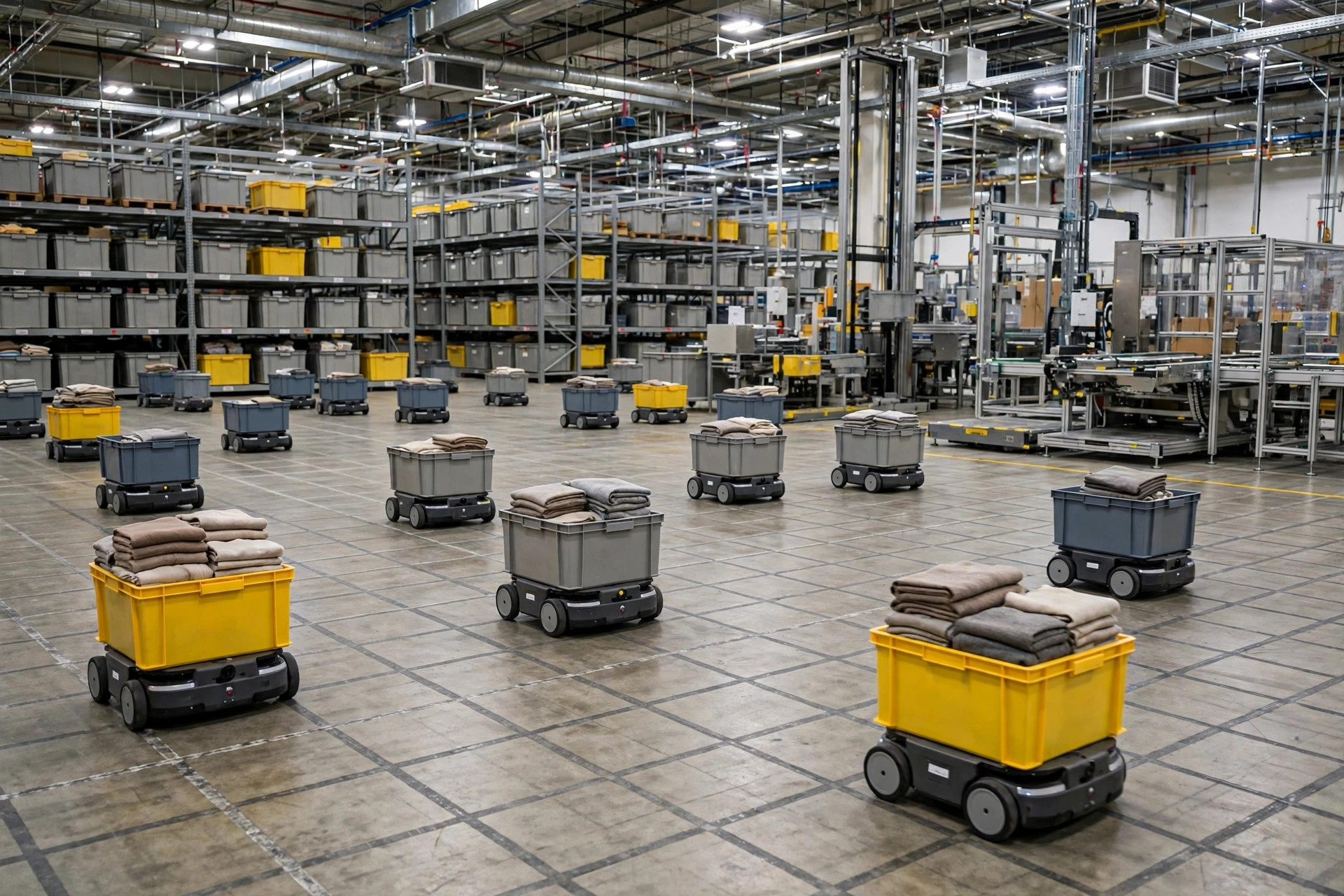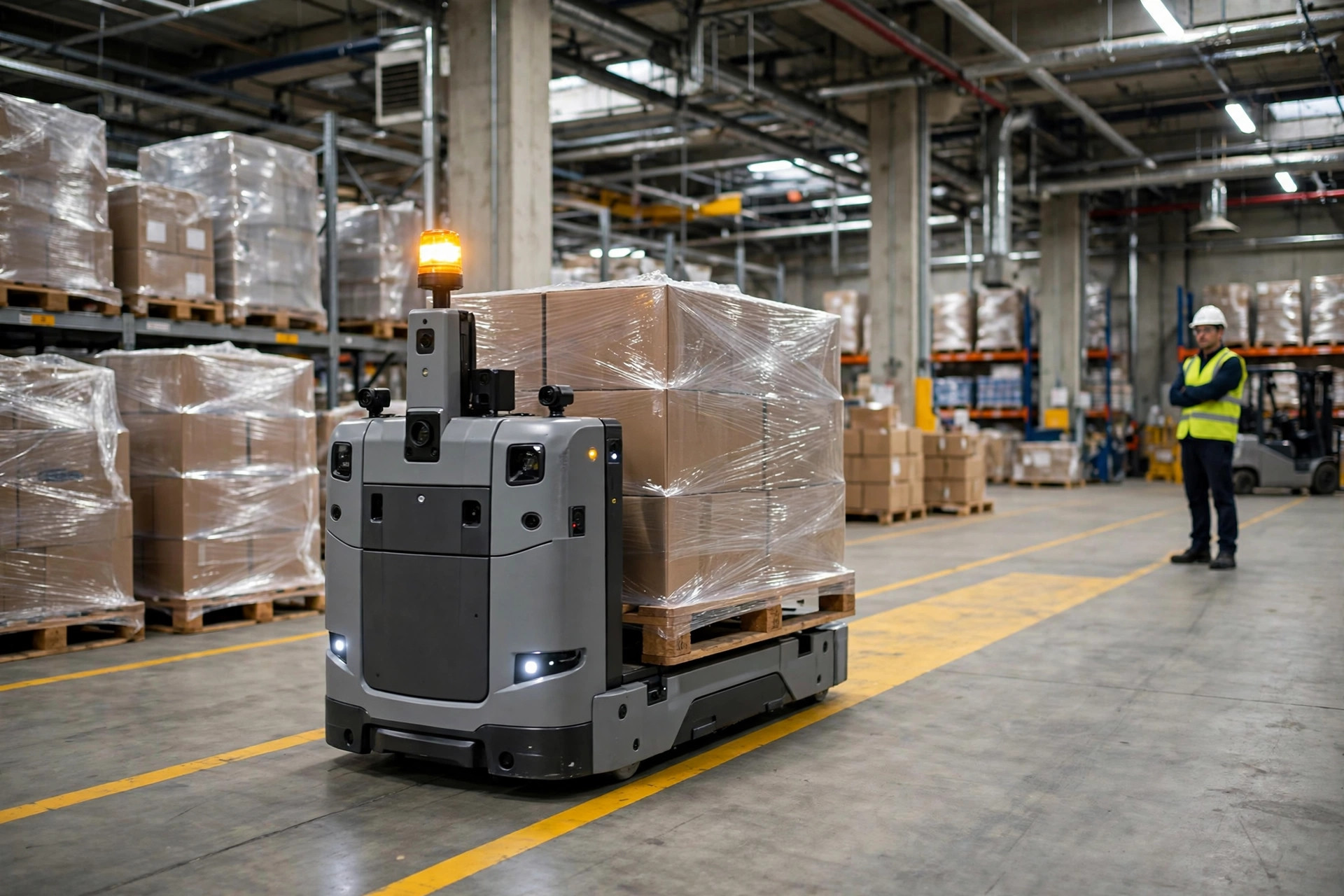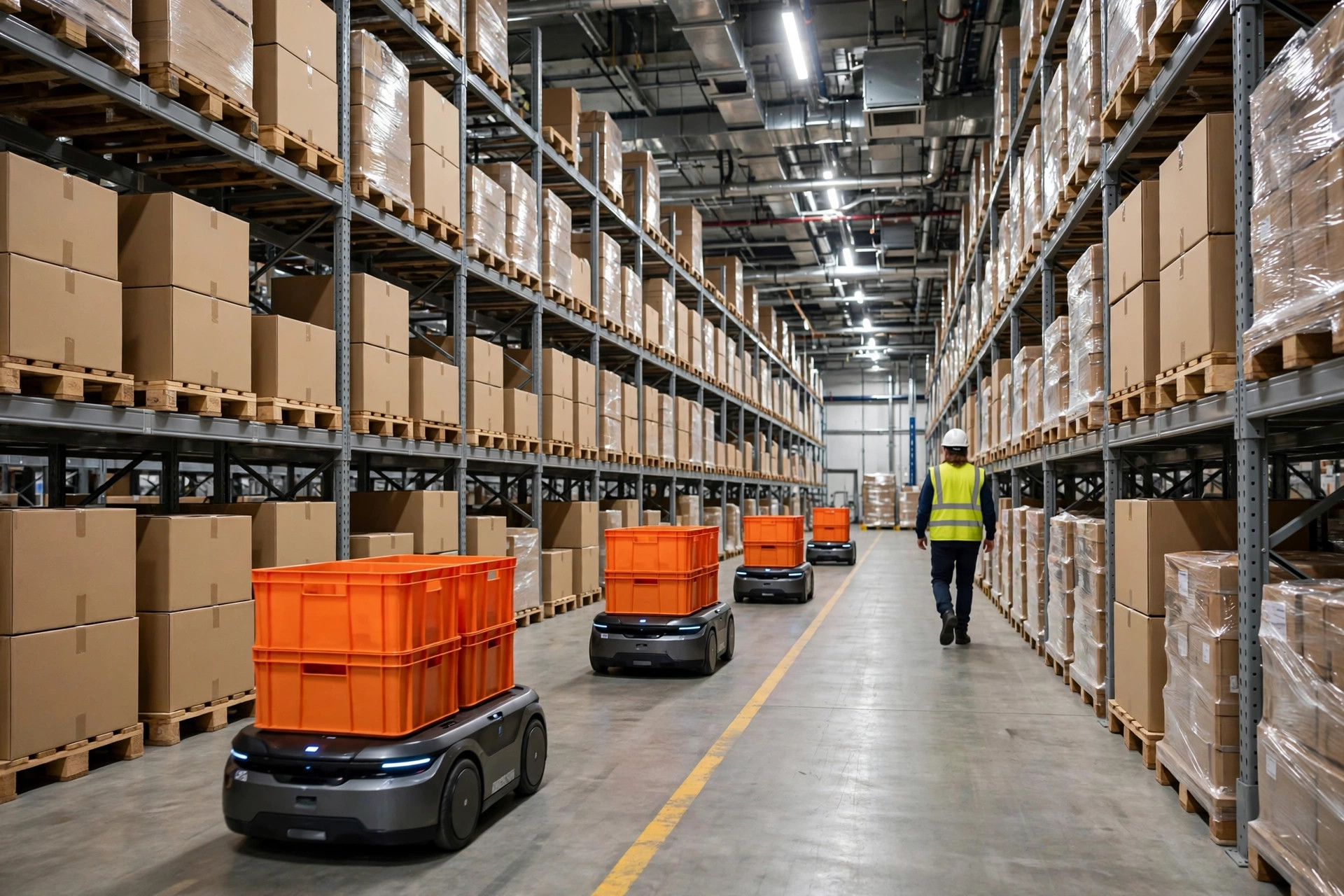
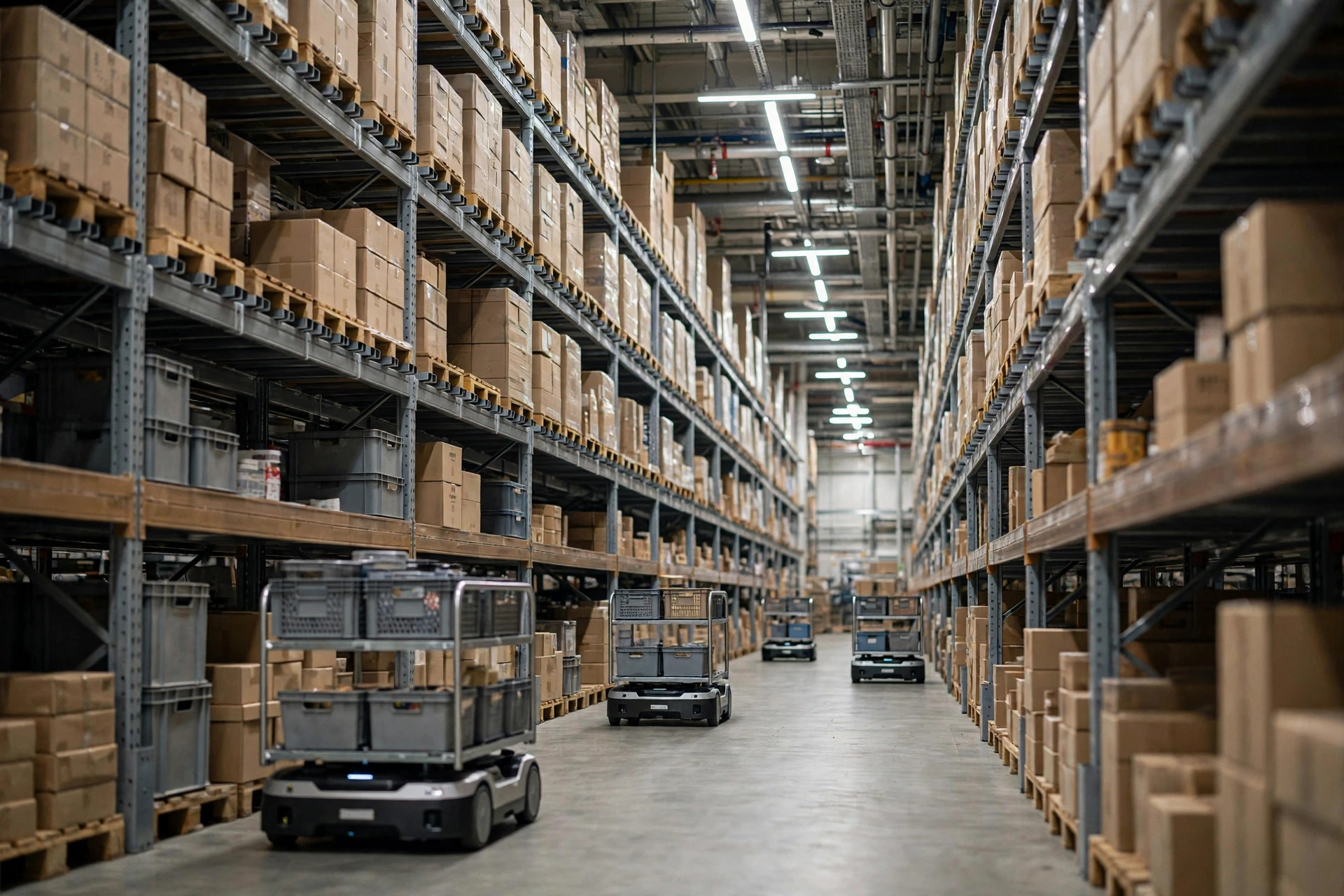
Earlier this year, an e-commerce fulfillment warehouse told me their AMR project had "failed." Not because the robots were bad — because there were too many of them. Twelve AMRs running a 20,000-square-foot pick zone, and one afternoon four units met head-on at an intersection, each waiting politely for the other to move. Three more piled up behind them. The whole zone sat dead for 40 minutes while people manually dragged robots aside and restarted tasks. The peak-season wave plan went up in smoke.
My verdict up front: AMR deadlock is not an equipment quality problem. It's a traffic-rules problem. Running AMRs in narrow aisles is like driving through an old town with one-lane streets — the road is fine; you just never posted the rules.
How Deadlock Actually Happens
"Deadlock" is borrowed from operating systems, and the meaning is literal: several robots waiting on each other, nobody able to move. Warehouses see three classic varieties:
The head-on meeting. Two AMRs enter a single-file aisle from opposite ends. Both stop. Both wait for the obstacle to clear. The obstacle logic says "stop and wait for the obstacle to move" — and the other robot is thinking the exact same thing. A perfect standoff.
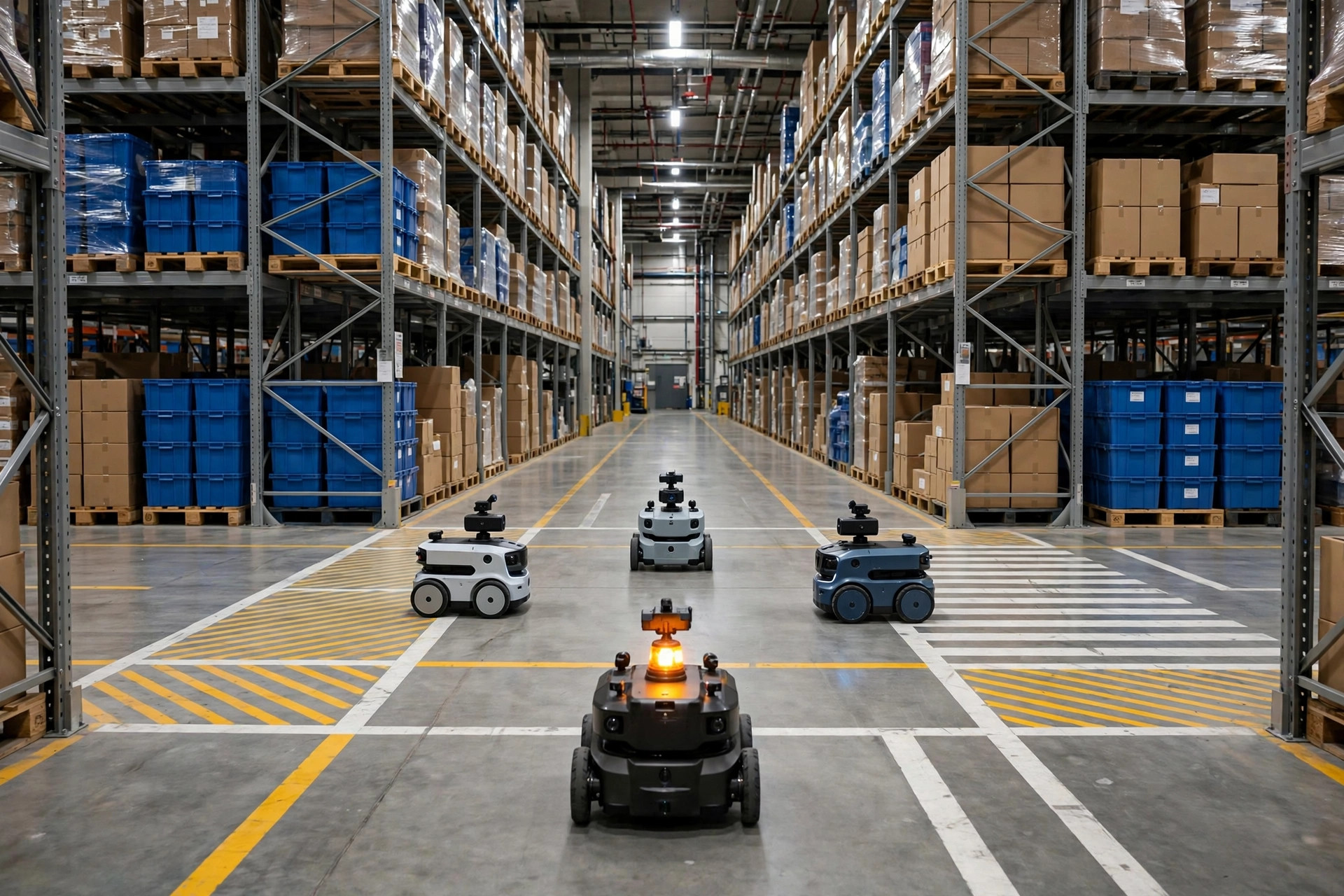
The intersection lock. Four robots enter a four-way crossing at once, each occupying one approach, each one's path blocked by another. Textbook deadlock. Any site running a dozen or more units will meet this one sooner or later.
The charging-station jam. Several low-battery units head for the charger at the same time, there's only one dock, and the queue spills out into the main travel lane. The most unfair kind — the robots went to "recharge" and ended up blocking the road.
When I did the post-mortem with that warehouse, the root cause wasn't the robots at all. During deployment they'd taken the shortcut: drew the map, turned the fleet loose, and never tuned aisle widths, intersection priorities, or charging dispatch. Vendor default parameters are set for an "ideal warehouse." Yours isn't one.
Traffic Rules for Narrow Aisles
This checklist comes from several sites that got their fleets running smoothly. Take it and use it:
One-way first. Every aisle with less than 2.5 meters of clear width goes one-way. Don't mourn the extra travel distance — a two-way narrow aisle deadlocks an order of magnitude more often than a pair of one-way aisles. Set directions by material flow: receiving-to-storage one way, pick-to-pack another, forming a loop.
Prioritize intersections. Every crossing gets a pecking order: through-traffic on the main artery always wins; robots entering from side aisles must stop and wait. In software this is called an intersection lock — plain English: only one robot inside the crossing at a time, everyone else waits. It's usually a parameter you have to turn on deliberately; don't leave the default "polite yielding" mode.
Build passing pockets. For long aisles that truly can't go one-way, widen a pocket every 30–40 meters — wide enough for two robots side by side. When two units meet, the lower-priority one backs into the pocket. Mark these on the map explicitly; never let the robots "figure it out."
Keep chargers off the main road. Don't put charging docks along the primary travel lane — give charging its own zone so low-battery units divert early. And set the charge threshold sanely: head for the charger below 30%, not at 60%. I once saw a site with eight robots where six were queued at chargers and two were doing all the work — pure dispatch-parameter neglect.
Separate people and robots. Where AMRs run, pedestrian paths get painted lane markings. An AMR emergency-stops for a person; one e-stop cascades into a queue behind it. Chaotic foot traffic guarantees chaotic robot traffic.
Three Things to Do Before Deployment
If you're about to deploy AMRs — or already have and keep deadlocking — do these in order:
First, measure actual clear width. Take a tape measure. "Clear" means counting the boxes jutting off the racks and the pallets staged temporarily. I've seen aisles that were 3 meters on the drawing and 2.2 meters in reality — not even enough turning radius for the AMR.
Second, stress-test at full fleet. Don't sign off after a two-robot demo run. Put the entire planned fleet on the floor, simulate peak wave volume for four straight hours, and watch the intersections and charging area specifically. Deadlock doesn't show up at low traffic; it all blows up at peak.
Third, keep a manual recovery procedure. When deadlock hits, floor staff should be able to move units by hand and restart tasks within five minutes. Write it into the SOP, post it on the floor — don't wait until you've been down 40 minutes to start calling the vendor.
What One Deadlock Actually Costs
Here's the math: a 10-AMR site, deadlocked for 30 minutes. Each AMR replaces roughly 1.5 people, so 15 people idle for half an hour is 7.5 labor-hours. At California warehouse wages around $25/hour, the direct labor loss is under $200. Looks small.
The real damage comes after: the wave misses its cutoff, the carrier's pickup truck leaves, that batch doesn't ship, and now you're eating late-shipment claims, refunds, and a pile of customer service calls. For a site doing 8,000 orders a day, one bad deadlock easily costs over $5,000 in knock-on damage. Two or three of those a month, and the project is dead in the eyes of management.
My verdict: AMR hardware is mature in 2026 — ninety-nine times out of a hundred, deadlock is a deployment problem, not a product problem. The vendor sells you the robots; the traffic rules are yours to write. That investment pays for itself.
One question to take home: after a deadlock at your site, can floor staff fix it themselves in five minutes, or does someone have to call the vendor and wait for remote support? If it's the latter, your SOP needs a rewrite.